
How to Pass Security+ in 30 Days (Without Quitting Your Job)
Here is the truth nobody tells you: you do not need two-hour study sessions to pass Security+. The "cram for hours" advice works for students on summer break—not for professionals with jobs, families, and actual responsibilities. If you can find 15-30 minutes a day, you can pass the SY0-701 in 30 days. This plan is built for busy people who need results without sacrificing their sanity.
Why Bite-Sized Studying Actually Works Better
Your brain is not designed for marathon study sessions. Research on spaced repetition shows that shorter, distributed learning beats cramming every time. When you study for 15-30 minutes, you stay sharp and focused. When you study for two hours, your attention drifts after the first 45 minutes anyway.
The key is consistency, not duration. Twenty minutes every day beats three hours once a week. Your brain needs time to consolidate information between sessions. By spacing out your study, you are actually building stronger neural pathways than the crammers.
Most importantly, bite-sized studying is sustainable. Life happens. Kids get sick. Projects explode at work. When your study plan requires two hours, one bad day derails your whole week. When it requires 20 minutes, you can fit it in during lunch, on the train, or before bed.
The 30-Day Blueprint: Week by Week
Week 1: Foundation (Days 1-7) Goal: Cover 50% of exam objectives with daily micro-sessions.
• Monday-Wednesday: Threats, Attacks, and Vulnerabilities (Domain 1). Focus on threat actor types, attack vectors, and malware categories. • Thursday-Friday: Security Architecture (Domain 3). Zero Trust concepts, cloud security basics, and virtualization. • Weekend: Two 30-minute review sessions. Consolidate with flashcards, not re-reading.
Week 2: Core Concepts (Days 8-14) Goal: Complete content coverage.
• Monday-Tuesday: Implementation (Domain 2). Identity, access management, and cryptography basics. • Wednesday-Thursday: Operations and Incident Response (Domain 4). Monitoring, incident handling, and digital forensics fundamentals. • Friday: Governance, Risk, and Compliance (Domain 5). Regulations, policies, and risk management. • Weekend: First practice test. Do not panic about the score—this is diagnostic.
Week 3: Active Recall (Days 15-21) Goal: Shift from learning to testing.
• Daily routine: 10 minutes reviewing weak areas + 15 minutes practice questions. • Focus: Every wrong answer gets a flashcard. If you do not understand why you got it wrong, spend 5 minutes on the explanation. • Weekend: Second practice test. You should see improvement from Week 2.
Week 4: Polish and Confidence (Days 22-30)
• Days 22-26: Targeted review. Only study what you still get wrong. • Days 27-29: Light practice questions—maintain momentum without burnout. • Day 30: Exam day. You have done the work. Trust the process.
The 15-Minute Daily Routine That Works
Here is a template you can adapt to your schedule:
Minutes 0-5: Quick Review Flip through 10-15 flashcards from yesterday. Active recall—do not just read, test yourself.
Minutes 5-12: New Content Read one section or watch one short video. Take notes in your own words. One concept, deeply understood, beats five concepts skimmed.
Minutes 12-15: Practice Questions Do 5-10 questions on what you just learned. Immediate application cements knowledge.
That is it. Fifteen minutes, done. If you have 30 minutes, double the practice questions and add 10 minutes reviewing explanations.
The secret weapon: customizable question counts. With ReadRoost, you set exactly how many questions you want—5 for a quick coffee break, 20 for a longer session. You are not locked into someone else's schedule. You build sessions that fit your day.
Fitting Study Into Real Life
Let us be practical about where these 15-30 minutes come from:
The Commute (15-20 min) Audio review or flashcards on your phone. Not ideal for deep learning, but perfect for reinforcement.
Lunch Break (20-30 min) Your most focused window. Do new content here when possible.
Waiting Time (10-15 min) Doctor's offices, kids' activities, grocery lines. Death-by-scrolling time becomes study time.
Before Bed (15 min) Review flashcards. Sleep helps consolidate memories—studying before bed actually works.
The goal is not finding a perfect two-hour block. It is stitching together pockets of time that already exist in your day. Most people have 30+ minutes of dead time they do not notice.
Tools That Enable Bite-Sized Learning
Not all study tools work for short sessions. You need:
1. Mobile-First Design If it requires a laptop, you will skip sessions. Your study platform needs to work flawlessly on your phone.
2. Progress Tracking When sessions are short, you need to see cumulative progress. A dashboard showing "47% complete" keeps you motivated when daily gains feel small.
3. Customizable Session Lengths This is where most platforms fail. They force 50-question quizzes that take an hour. You need to set your own limits—5 questions, 10 questions, 20 questions—whatever fits your window.
4. Smart Resumption Life interrupts. You need to pause mid-session and resume exactly where you left off. No lost progress.
ReadRoost was built for this. Custom question counts. Session resumption. Progress that adds up in 15-minute increments. Because we know your study time is stolen from an already-full life.
The Mindset Shift
The biggest obstacle is not time—it is guilt. You feel like 20 minutes "is not enough." You compare yourself to people posting about their six-hour study marathons.
Stop. Those people are either lying, unemployed, or burning out. Sustainable progress beats heroic effort every time. Twenty minutes a day for 30 days is 10 hours of focused study. That is enough to cover the entire SY0-701 syllabus twice.
The certification does not care how you prepared. It only cares that you know the material. A 750 passing score from 15-minute daily sessions counts exactly the same as a 750 from all-night cramming.
Thirty days from now, you could be certified. Or you could still be telling yourself you will start when you "have more time."
Ready to start? Create your free ReadRoost account and set up your first 10-question session. Study on your terms, in your time, at your pace. The exam will not know the difference—but your calendar will.
Full Study Blueprint
See the complete crowdsourced blueprint with all 1 study plan for CompTIA Security+ — resources, ratings, and tips from people who passed.
Frequently Asked Questions
Is 15-30 minutes really enough to pass Security+?
Yes, if you are consistent. Thirty days of 20-minute sessions equals 10 hours of focused study—enough to cover the entire SY0-701 syllabus. The key is daily consistency, not marathon sessions.
What if I miss a day?
Do not try to "make it up" with a double session. Just resume the next day. One missed day will not derail you; guilt and quitting will.
Should I use flashcards or practice questions for short sessions?
Both. Use flashcards for quick reviews (5-10 min) and practice questions when you have 15+ minutes. Mixing formats keeps engagement high and tests different types of recall.
How do I stay motivated with small daily gains?
Track cumulative progress. Seeing "15 days studied" or "300 questions answered" creates momentum. Also, schedule your exam date—it creates positive pressure to stay consistent.
Can I customize how many questions I practice in ReadRoost?
Absolutely. ReadRoost lets you set your own session length—5 questions for a quick break, 20 for a deeper session. You are in control of your study flow.

AWS Microcredentials: the free, hands-on badge most people missed
Four AWS security services changed in a single week. Here is what SAA-C03 and SCS-C03 candidates need to know.
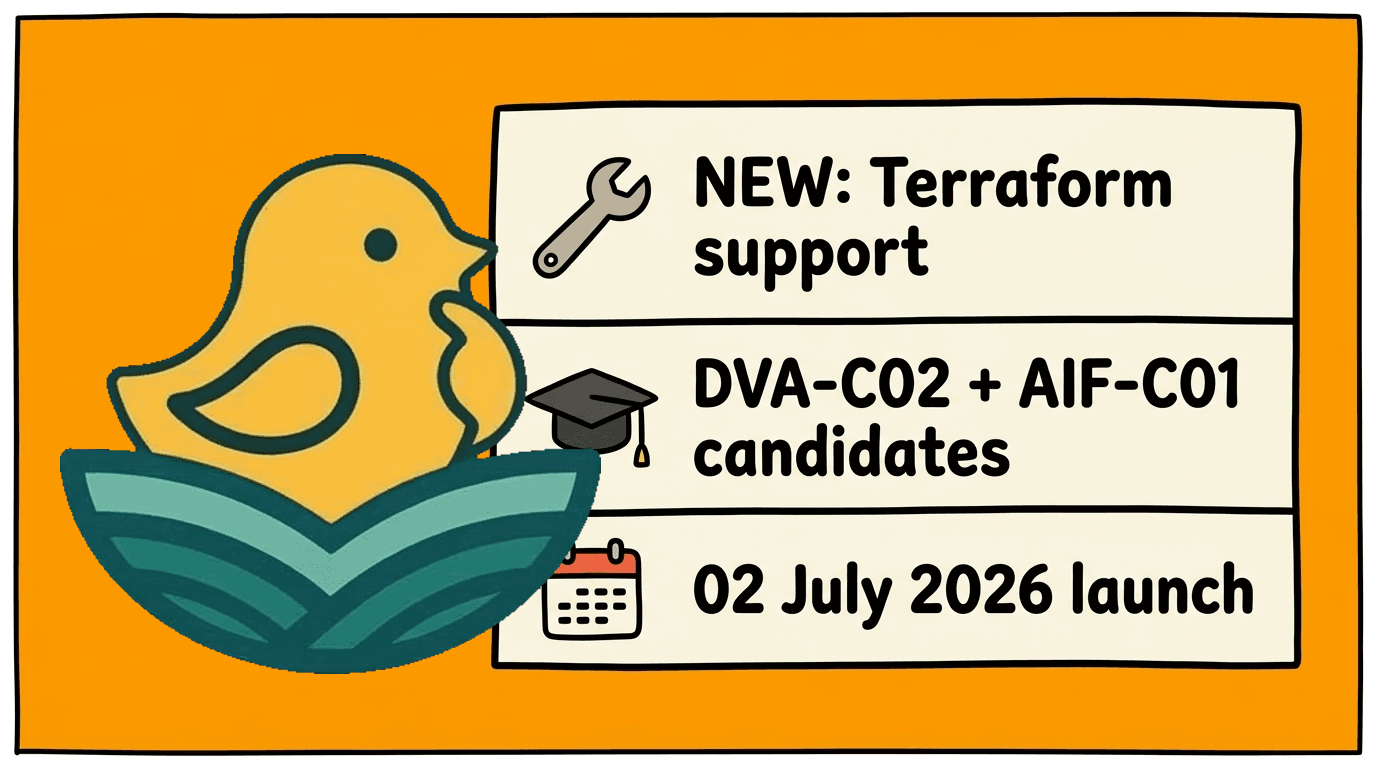
AWS just put Terraform inside SageMaker Unified Studio. Here is what that means for DVA-C02 and AIF-C01.
Reading is good. Practising is better.
Practice questions, flashcards and timed exams for 57 certifications. Start with a free starter pack — no card needed.